


The problem
Running recurring portfolio analytics against CB data meant building the same views from scratch each time — pulling data, applying filters, structuring comparisons. For teams doing monthly or quarterly reviews, that’s repetitive work with no good shortcut.What it does
PortfolioLens generates structured analytics reports from your CB portfolio data and publishes them to Inbox. Three report types ship in the first release:- Consensus trend — track how portfolio-level consensus ratings move over time
- Entity rating trends — review how individual entity ratings have shifted
- Consensus vs. internal — compare your internal ratings against CB consensus to surface divergence
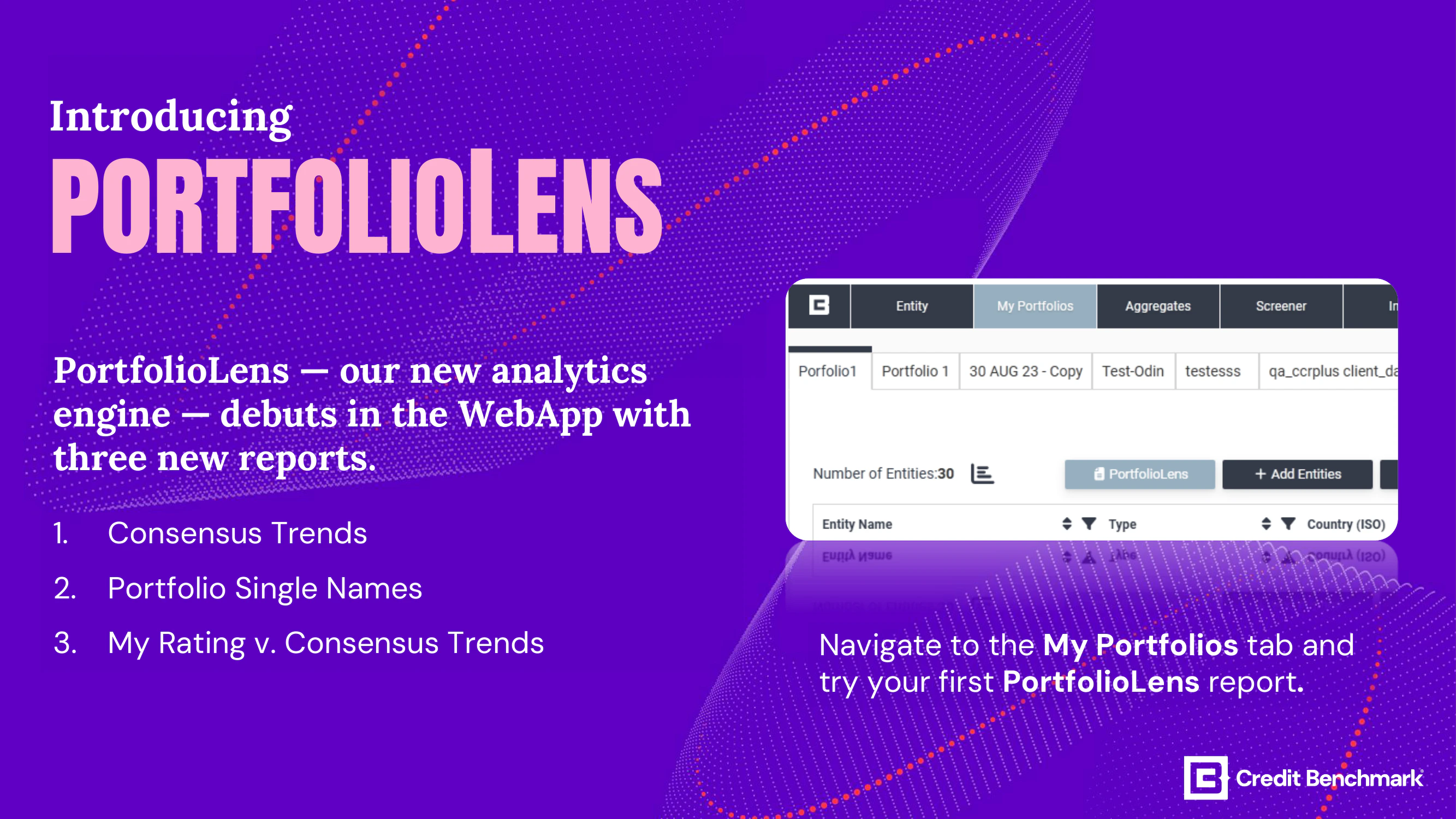
PortfolioLens reports are generated from Credit Benchmark data and delivered to Inbox for download.
Use cases
- Recurring reviews — schedule portfolio analytics without rebuilding the same views each cycle
- Credit monitoring — catch entity-level rating movement across a portfolio before it becomes an issue
- Internal benchmarking — systematically compare your ratings against consensus to identify outliers
Getting started
Open My Portfolios and access PortfolioLens from your portfolio. Reports are published to Inbox once generated. For detailed usage guidance see PortfolioLens Reports.← All release notes