> ## Documentation Index
> Fetch the complete documentation index at: https://docs.creditbenchmark.com/llms.txt
> Use this file to discover all available pages before exploring further.

# Introducing PortfolioLens Analytics

<div className="post-byline">
  <img className="post-avatar" src="https://mintcdn.com/creditbenchmark/MBcrXm7PNn_QJihI/images/blog/03_CB_Symbol_Down_SG_pos_RGB.png?fit=max&auto=format&n=MBcrXm7PNn_QJihI&q=85&s=3390b8615aa74c3c052766dc5ca17bce" alt="Credit Benchmark" width="1370" height="1470" data-path="images/blog/03_CB_Symbol_Down_SG_pos_RGB.png" />

  <div className="post-byline-meta">
    <span className="post-author">Credit Benchmark</span>
    <span className="post-date">June 30, 2025 · 2 min read</span>
  </div>
</div>

PortfolioLens adds downloadable analytics reports for your portfolios — consensus trends, entity movement, and internal-versus-consensus comparisons — generated from CB data and delivered straight to your Inbox.

<Tip>
  **Three report types at launch:** portfolio-level consensus movement, entity rating trends, and consensus-versus-internal comparisons. Reports land in Inbox for download.
</Tip>

<div className="blog-body">
  ## The problem

  Running recurring portfolio analytics against CB data meant building the same views from scratch each time — pulling data, applying filters, structuring comparisons. For teams doing monthly or quarterly reviews, that's repetitive work with no good shortcut.

  ## What it does

  PortfolioLens generates structured analytics reports from your CB portfolio data and publishes them to Inbox. Three report types ship in the first release:

  * **Consensus trend** — track how portfolio-level consensus ratings move over time
  * **Entity rating trends** — review how individual entity ratings have shifted
  * **Consensus vs. internal** — compare your internal ratings against CB consensus to surface divergence
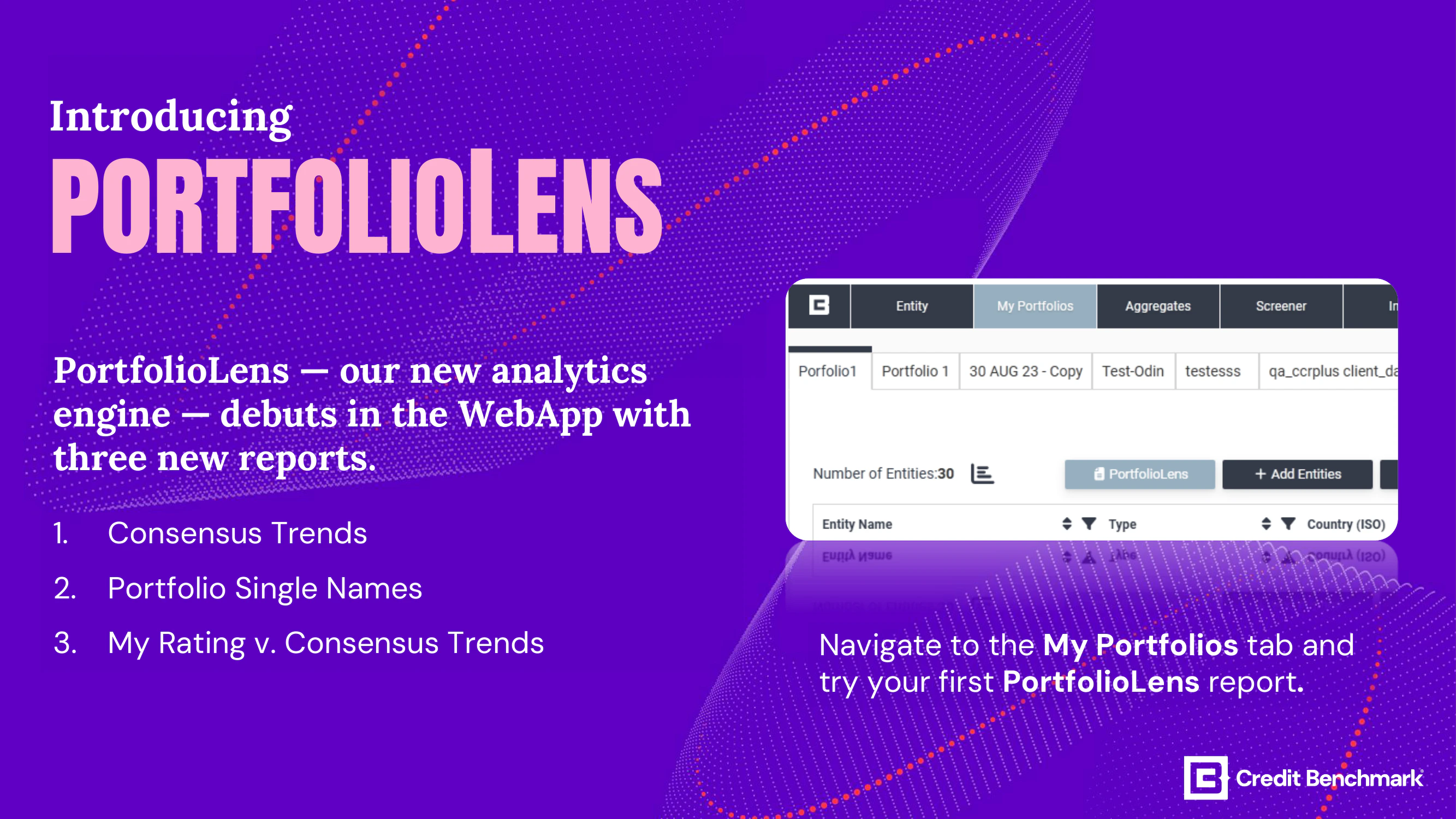
  <Frame caption="PortfolioLens reports are generated from Credit Benchmark data and delivered to Inbox for download.">
    <img src="https://mintcdn.com/creditbenchmark/MBcrXm7PNn_QJihI/images/blog/portfoliolens.png?fit=max&auto=format&n=MBcrXm7PNn_QJihI&q=85&s=0fbc179db89654002ec77a477fce6bd8" alt="PortfolioLens analytics report interface." width="2667" height="1500" data-path="images/blog/portfoliolens.png" />
  </Frame>

  ## Use cases

  * **Recurring reviews** — schedule portfolio analytics without rebuilding the same views each cycle
  * **Credit monitoring** — catch entity-level rating movement across a portfolio before it becomes an issue
  * **Internal benchmarking** — systematically compare your ratings against consensus to identify outliers

  ## Getting started

  Open My Portfolios and access PortfolioLens from your portfolio. Reports are published to Inbox once generated. For detailed usage guidance see [PortfolioLens Reports](/delivery-channels/webapp-pages/my-portfolios#portfoliolens-reports).

</div>

***

[← All release notes](/product-updates)
