> ## Documentation Index
> Fetch the complete documentation index at: https://docs.creditbenchmark.com/llms.txt
> Use this file to discover all available pages before exploring further.
# Client Analytics
> Client Analytics comparisons between submitted data and consensus ratings.
The Client Analytics page shows your bank's estimates versus Consensus Credit Ratings across your **full submission**. It is designed for submission-wide analysis rather than entity or portfolio level.
[Notch differences](/methodology/consensus-calculations/rating-comparisons) are calculated as the difference between your estimate and the consensus on the chosen scale — negative means more conservative, positive means more optimistic.
If your estimate is missing for an entity where you expect it, contact [support@creditbenchmark.com](mailto:support@creditbenchmark.com).
## Page Sections
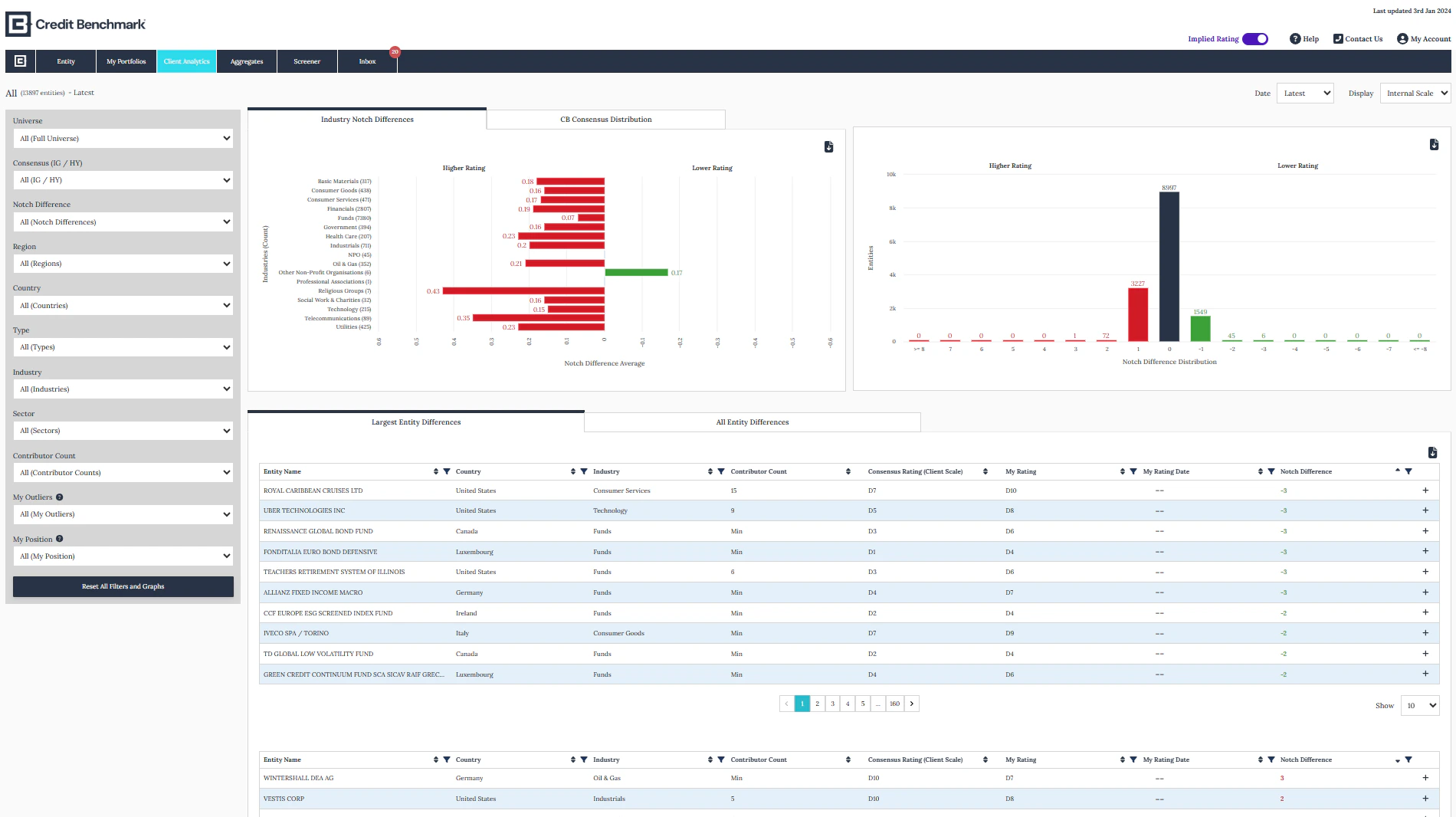 * **Client Analytics Filter** — filter and refine your analysis
* **Industry Notch Differences and CB Consensus Distribution Graphs** — visual comparison of your ratings against consensus
* **Entity Notch Difference Distribution Graph** — distribution of rating differences across your submission
* **Positive and Negative Notch Difference Tables** — detailed breakdown of where you are more optimistic or conservative than consensus
* **Client Analytics Filter** — filter and refine your analysis
* **Industry Notch Differences and CB Consensus Distribution Graphs** — visual comparison of your ratings against consensus
* **Entity Notch Difference Distribution Graph** — distribution of rating differences across your submission
* **Positive and Negative Notch Difference Tables** — detailed breakdown of where you are more optimistic or conservative than consensus